
Get the full swerte experience on Android or iOS. Slots, live casino, sports betting, and eBingo all in one app — optimized for Filipino players with PHP deposits, OTP security, and a smooth mobile interface designed for Philippine network conditions.
swerte is accessible on all major mobile platforms. Choose the version that matches your device and start playing in minutes.
The swerte Android app installs directly from the APK file — no third-party store needed. It works on Android 8.0 and above and is optimized for the wide variety of Android smartphones popular across the Philippines, including entry-level and mid-range models common in Manila, Cebu, and Davao.
iPhone and iPad users can add swerte directly to their home screen through Safari for an app-like experience without requiring App Store approval. The mobile web platform is fully optimized for iOS Safari and delivers the same game quality, security features, and PHP payment options as the dedicated Android app.
You must have a registered and verified swerte account to access the full app features including deposits, withdrawals, and live games.

Before downloading the app, make sure you have a registered swerte account. Head to /register on your mobile browser and complete the sign-up process. It only takes a few minutes.
Since the swerte APK is not distributed through the Google Play Store, you need to allow your phone to install apps from sources outside the store. Go to Settings → Security (or Privacy on some devices) → enable "Install unknown apps" or "Allow from this source." The exact label varies by Android version and manufacturer.
After logging into your account, navigate to the Download section in the app menu or your account dashboard. Tap the Android download button and wait for the APK file to finish downloading to your device. Check your notification bar or Downloads folder to confirm the file arrived completely.
Open the downloaded APK file from your Downloads folder or the notification panel. Your phone will prompt you to confirm the installation. Tap Install and wait for the process to complete — it usually takes under a minute.
Open the swerte app from your home screen or app drawer. Log in using your registered username and password. An OTP will be sent to your mobile number to confirm the login — enter it to access your account. You are now ready to play slots, live casino games, bet on sports, and more.
On your iPhone or iPad, open the Safari browser and navigate to swerte.vu. Make sure you are using Safari — this method does not work in Chrome or Firefox on iOS.
At the bottom of the screen, tap the Share icon — it looks like a box with an arrow pointing upward. This opens the iOS share sheet.
Scroll through the share sheet options until you see "Add to Home Screen." Tap it, confirm the name (you can leave it as "swerte" or rename it), then tap "Add" in the top right corner.
The swerte icon will now appear on your iPhone home screen. Tap it to open the platform in full-screen mode. Log in with your account credentials and complete the OTP verification to access your account securely.
Your data is safe. The swerte app uses SSL encryption and OTP authentication on every login. Your account, balance, and transaction history are protected at all times. Read our Privacy Policy for full details.

The swerte mobile app is not just a scaled-down version of the website — it is a fully functional gaming platform designed specifically for mobile use.
Every slot, live casino table, sports betting market, and eBingo game available on the desktop platform is accessible in the mobile app — nothing is removed or restricted.
Fund your account in Philippine Peso through GCash, Maya, or Philippine online banking directly within the app. Withdrawals follow the same process with standard processing times.
Every login on the swerte app requires OTP verification via your registered mobile number. Unauthorized access attempts are blocked before they can reach your account.
Opt in to push notifications for account activity alerts, upcoming sports events you have saved, and platform announcements. Stay informed without needing to open the app constantly.
The app is designed to work smoothly on both 4G LTE and 5G connections common across the Philippines. Load times are minimized so games start quickly even on mobile data.
View your balance, transaction history, active bets, and account settings all from the app. Update your password, check your KYC status, and manage your preferences in one place.
Both the app and the mobile browser version give you access to the full swerte platform. Here is a quick comparison to help you decide which works best for you.
| Feature | Android App | iOS Home Screen | Mobile Browser |
|---|---|---|---|
| Full Game Library | |||
| PHP Deposits & Withdrawals | |||
| OTP Login Security | |||
| Push Notifications | |||
| Home Screen Icon | |||
| Faster Load Times | Good | Good | |
| Requires Installation | APK file | ||
| Works on Any Device | Android only | iOS only |
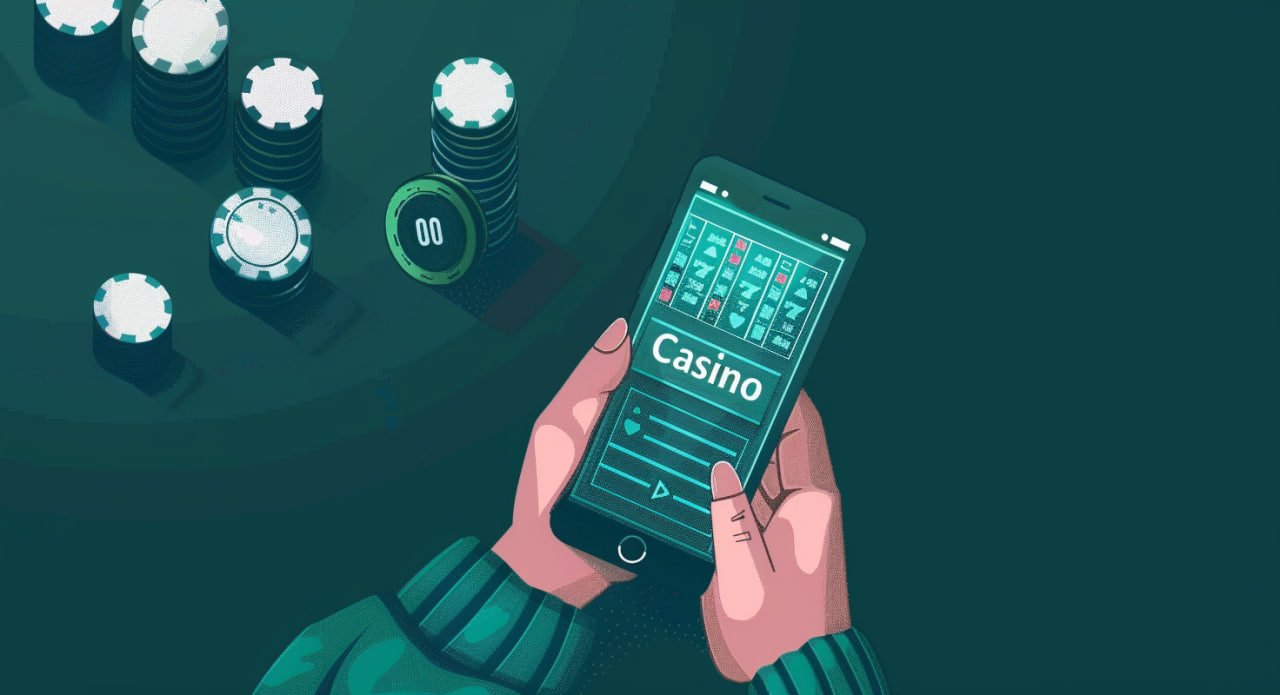
The Philippines is one of the most mobile-first countries in Southeast Asia. Most Filipinos access the internet primarily through their smartphones, and online gaming is no exception. Whether you are in Quezon City during rush hour, at home in Cebu on a Sunday afternoon, or catching a break in Davao, the swerte app lets you play wherever you are.
Convenience is the biggest reason players choose the app over the desktop version. You do not need to sit at a computer to enjoy a full session of slots or watch a live dealer Baccarat game. The swerte mobile interface fits everything onto a phone screen without feeling cramped — games render clearly, buttons are easy to tap accurately, and the navigation between sections is fast and intuitive.
Security on mobile is just as strong as on the desktop platform. Every connection between the swerte app and the platform's servers uses SSL encryption — the same standard used by banks and major e-commerce sites. Your login credentials, account balance, and transaction records are protected at every point.
OTP authentication is active for every login session. When you open the app and enter your password, a one-time password is sent to your registered Philippine mobile number. You must enter this OTP before your session begins. This means even if someone has your password, they cannot access your account without also having physical access to your phone.
KYC verification is required before your first withdrawal. This involves submitting a valid Philippine government-issued ID through the app. Once verified, withdrawals can be processed to your registered payment method — GCash, Maya, or bank transfer — in Philippine Peso, with no currency conversion involved.
The mobile app gives you access to everything in the swerte Game Lobby. This includes:
For Android users, the swerte app sends push notifications when a new version is available. You can also check for updates manually by going to your account settings within the app. It is always a good idea to keep the app updated — newer versions include performance improvements, security patches, and sometimes new features or game additions.
iOS users accessing swerte through the home screen shortcut always get the latest platform version automatically since it loads directly from the web. There is no separate update process needed.
If your Android phone blocks the APK installation, the most common fix is to enable "Install from unknown sources" in your device settings. The exact location of this setting varies by Android version — on most phones running Android 10 or higher, you can find it under Settings → Apps → Special App Access → Install Unknown Apps. Select your browser or file manager and enable the permission.
If the app installs but does not open correctly, try clearing the app's cache from your phone's app settings, then reopen. If the issue persists, uninstall and reinstall using the latest APK file from your account dashboard. Make sure your Android version meets the minimum requirement of Android 8.0.
If "Add to Home Screen" does not appear in your Safari share sheet on iPhone, make sure you are using Safari and not another browser. Also check that iOS is updated to at least version 14. The option should be visible after scrolling down in the share sheet row of action icons.
Create your free account, install the app on your Android or add it to your iPhone home screen, and access hundreds of games in PHP — wherever you are.
21+ only. Play responsibly. Online gaming involves financial risk.